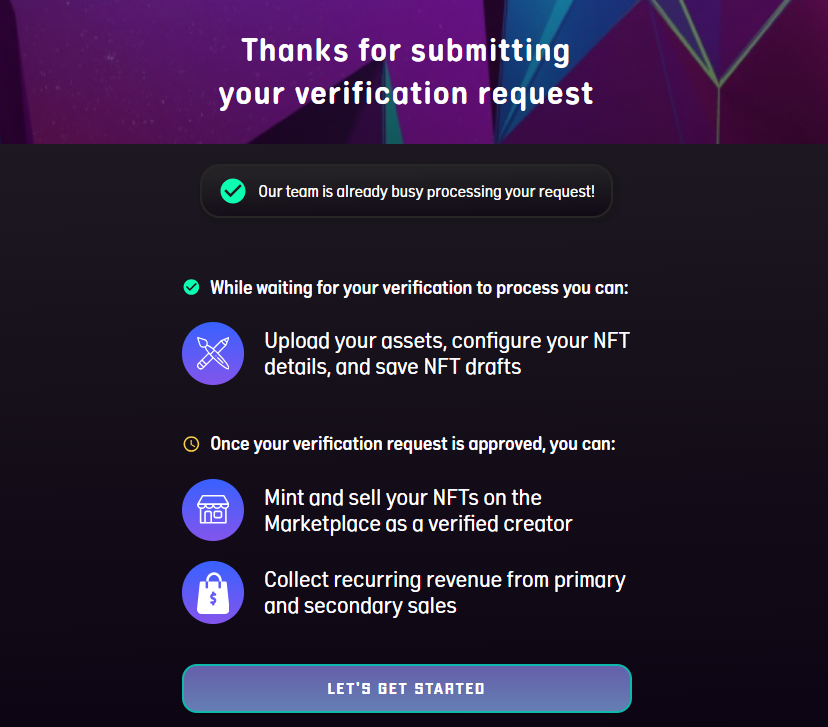
How to Apply as Creator in OneOf
To become a Creator, you should have a OneOf account. If you don’t have an account yet, you may refer to this link to create an account:
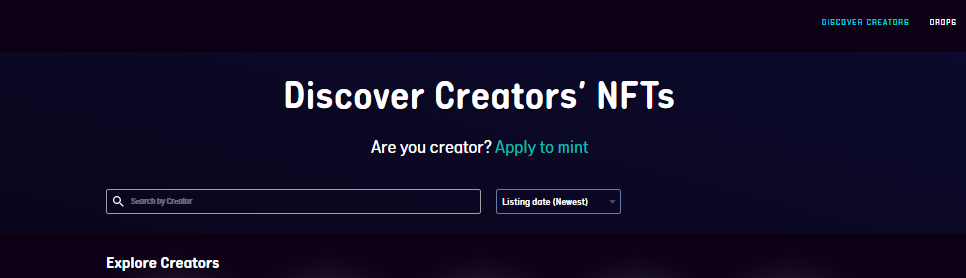
On your OneOf account, select the DISCOVER CREATOR button on the top right of the page, click “Apply to mint,” and then Get Started.
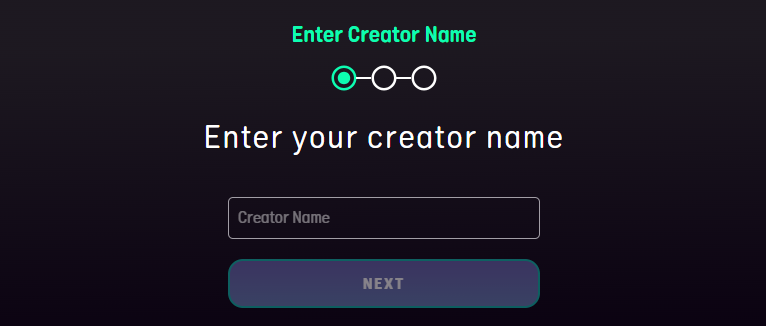
Enter your unique Creator Name and click Next to confirm and initiate the verification process.
Get Verified by providing the required information. Make sure to add a photo to your profile, and the Social Accounts field must be filled out.

Upon submission, the OneOf Team will review and approve your application.